How to Register an Account in a Few Minutes
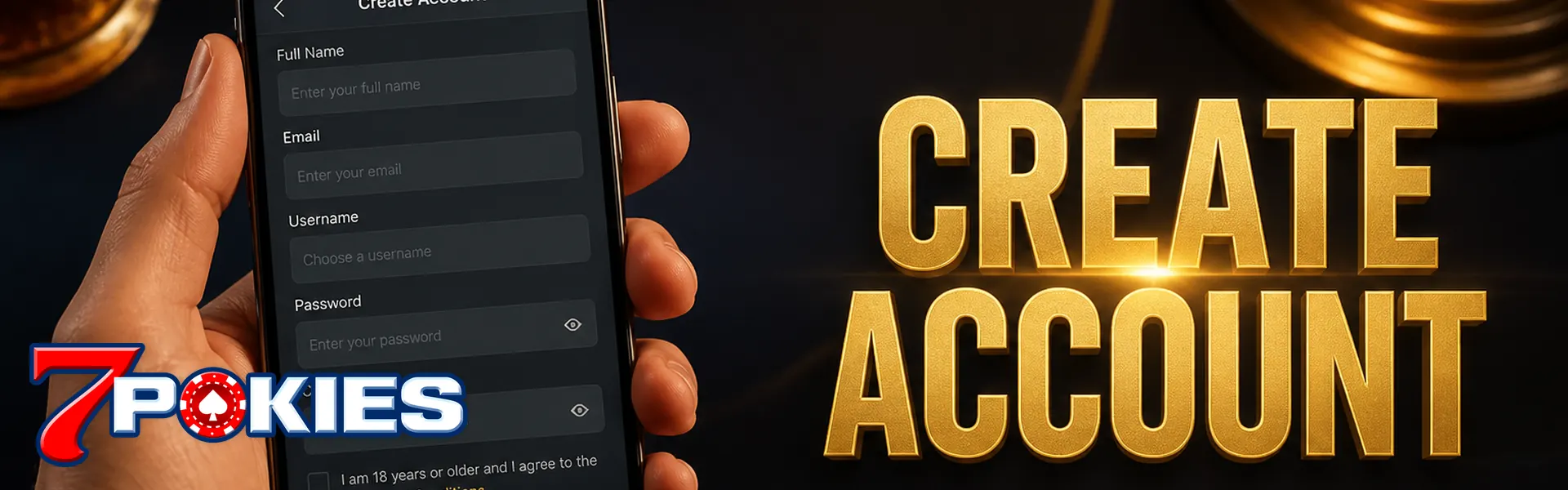
Sign-up should take minutes, not an afternoon. 7POKIES asks for a name, mobile, password, and confirmation you're 18+. That's it for the first screen. Keep it honest. Cashouts check the same name.
Already have a login? Use the login tutorial instead of opening a second profile.
Registration Steps
- Open the official site from a bookmark, not a random ad.
- Tap Register. Enter your legal first and last name.
- Use a mobile number you control. OTP goes there.
- Set a password you don't reuse on email. Don't save it in a group chat.
- Confirm age and accept the terms and conditions.
Details That Must Match Later
| Field | Why it matters |
|---|---|
| Legal name | Must match the bank or wallet you cash out to |
| Mobile | OTP, lockouts, and support checks |
| Date of birth | 18+ rule. Fake ages get the account shut |
Privacy and Marketing Toggles
How we store those fields is in the privacy policy. You can skip promo SMS and still play.
Right After You Register
Don't dump a week's pay in. Skim promotion if you want a match. Opt in first if the card says so. Then follow the deposit tutorial. If play ever stops being a hobby, open responsible gaming and set a cap now, while you're calm.
One Person, One Account
Duplicate accounts get closed. Balances can freeze. Family sharing a login is still a duplicate in practice. Don't.
Devices and Cookies at Sign-Up
Finish the form on one device. Starting on a phone and finishing on a laptop mid-OTP is how people think the account "didn't create." It often did. Check login before you register again. Allow session cookies. Blocking everything can look like a failed submit when the account already exists.
Field-by-Field, So Cashouts Don't Stall
First name and last name: use the same spelling as your bank card or PayID name. Skip the emoji. Skip the nickname in that box. Mobile: Australian numbers are fine. If you use a second SIM for "privacy," you'll hate OTP later. Pick the phone you actually carry. Password: long and unique. A reused email password is how cloned logins happen.
OTP Fails More Often Than the Form Does
Wait 60 seconds. Check you're not on do-not-disturb. Resend once. Still nothing? Confirm the country code didn't flip. Then chat. Opening a second account "to get a new OTP" is how both profiles get flagged.
What Happens If You Lie on Age or Name
Under-18 sign-ups get closed. Borrowed ID gets closed. A fake name might let you spin. It won't let you cash out. You'll spend a week in KYC limbo for a nickname. Not worth it.
Right After the Lobby Loads
Bookmark the domain. Turn on a deposit limit if the tools are in settings. You can play cash only. You can ignore every banner. That's a valid way to use the account. Next actual money step is the cashier, not a random APK someone posted in a Facebook group.
Registration Tutorial Questions
Do I need an email and a mobile?
Mobile is the key for OTP. Email helps with recovery if the form asks for it. Use details you actually own. A throwaway SIM you don't carry will lock you out later.
Can I register with a nickname?
You can pick a display name later if the lobby offers one. The legal name field still needs your real name for payouts. Nicknames in the legal box stall KYC.
OTP never arrives. What now?
Check DND, wait a minute, then resend once. Confirm the country code. Chat if the second send fails. Don't open a new account for a fresh OTP.
I'm under 18. Can I browse?
No. Registration and play are 18+ only. Don't borrow an adult's ID. Underage accounts get closed when they're found.
Should I take the welcome bonus at sign-up?
You can skip it at registration and play cash. If you want the numbers — turnover, game weighting, max cashout — read them on the promotion page before you opt in.
Can my partner and I share one login?
No. Register under one person's name and number. Don't type your partner's details on the form so you can 'share spins'. Two people on one new profile is how KYC dies later.