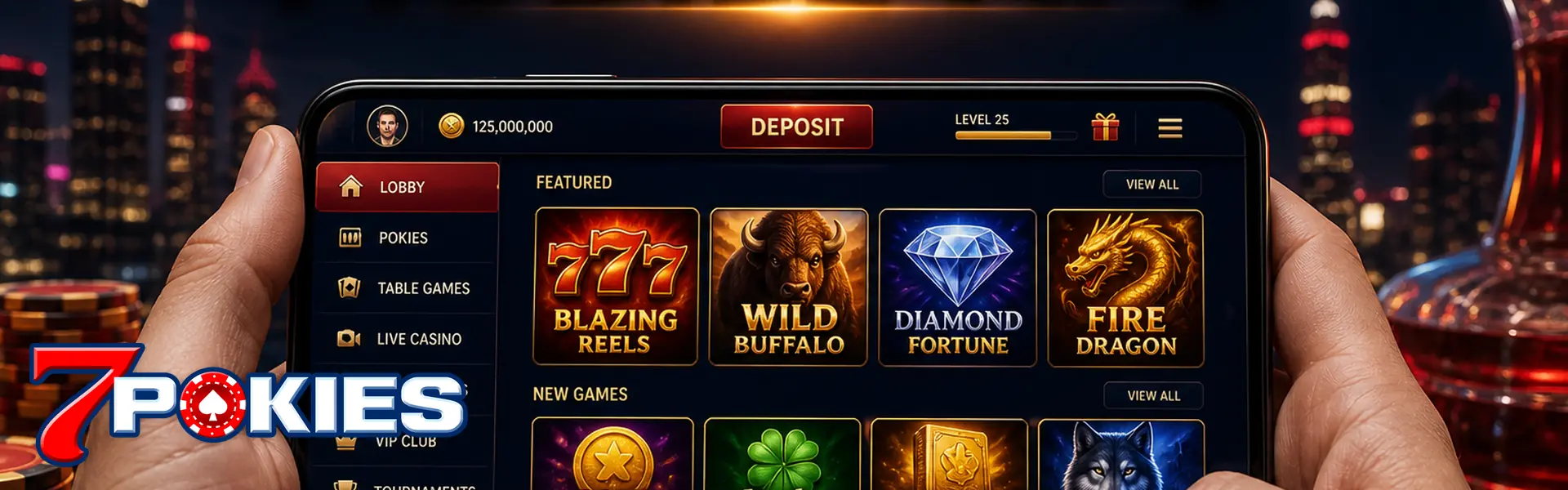
Mobile App for Pokies on the Train Home
Most sessions here happen on a phone anyway. The 7POKIES mobile app is the same account — pokies, live tables, cashier — with a home-screen icon and fewer stray tabs.
You don't have to install it. The browser lobby works. The app is for convenience, not extra odds.
App Versus Browser
| App | Browser | |
|---|---|---|
| Login | Same user | Same user |
| Balance | Same AUD | Same AUD |
| Best for | Icon, fewer tabs, live stream hold | Quick check without installing |
How to Install Safely
- Open the official site. Use a bookmark.
- Follow the lobby download or add-to-home prompt. Ignore Telegram APKs.
- Log in with the account from the registration tutorial or login tutorial.
Permissions
Camera for KYC is fair. A random file asking for contacts isn't. Delete it.
What Plays Well on a Phone
- Slot games — portrait reels, short sessions
- Live casino — needs stable data
- Cashier — deposit via the deposit tutorial on your own network, not cafe wifi
Notifications can nag. Mute them if they push you to chase. That's also a responsible gaming moment.
When the Browser Is the Better Tool
You're on a work phone you don't want to install anything on. Use the browser. Same AUD. You're on public wifi and only checking a cashout status. Browser is enough — still skip cafe wifi for the cashier. The app earns its keep when you play live tables a few nights a week and you're tired of losing the tab.
Update the OS when you're asked. Old Android builds plus a random APK is a bad mix. If the lobby download fails, don't Google a mirror. Open chat from the bookmarked site.
Android, iPhone, and Add to Home Screen
Follow the prompt inside the official lobby for your device. Some phones get a downloadable file. Some get an add-to-home-screen shortcut that still runs in a browser shell. Both can be fine if they started on 7pokies.online. A file from a shortened SMS is not the same product.
Data, Heat, and Live Streams
Pokies are light. Live casino is heavy. If you're on a 3GB plan, a two-hour live shoe will hurt. The phone getting hot is a hint to drop to RNG tables or to plug in. Heat plus a dying battery is how people "disconnect" and then double-bet.
Notifications You Should Mute
Promo pings at 11 p.m. are designed to pull you back. If that's when you overspend, mute them. Security alerts — new device, password change — keep those on.
Shared Phones and Saved Passwords
A partner's phone with your login saved is how balances disappear without a "hack." Log out on shared handsets. Don't screenshot the password into a family chat. If you think someone else got in, change the password from a device you control, then chat. Don't wait until a cashout fails.
Mobile App Questions
Is the app required?
No. Browser play is fine. Install only from the official lobby. You don't get extra RTP or a secret game list by installing a file.
Will I get a better RTP in the app?
No. Same games, same wallet. Don't pay anyone who sells a 'VIP APK'. That's a malware story, not a payout story.
iPhone or Android?
Follow the prompt in the official lobby for your device. Some phones get a shortcut instead of a store app. Don't sideload from a drive-by link.
Is it safe to leave the app signed in on a shared tablet?
Lock the screen. Shared handsets are how accounts get cleaned out. Log out on a partner's phone. Saved passwords in a family iPad are a gift to whoever picks it up. Two-device session kicks are on the login tutorial.
The download looks different from last month. Is that a scam?
Open chat from the site you typed yourself. Don't install a file from a random SMS. Official prompts change. A shortened URL in a text is the usual fake.
Does live casino drain data on the app?
Yes. Streams are heavy. Pokies are lighter. If you're on a small mobile plan, RNG tables or reels cost less data than a two-hour live shoe.